Parent portal
At Marrickville High School we use parent portal apps to make communication and admin easier for families. These tools help you:
- make payments quickly and securely
- view academic reports
- stay up to date with school events
- record absences.
Everything You Need: Quick Links Tab
Find the Sentral Parent Portal login, calendar, setup instructions, School Bytes resources, term dates, P&C information, and links for students, staff, and BYOD—all in one convenient place under the Quick Links Tab.
Sentral Parent Portal and School Bytes set up guide
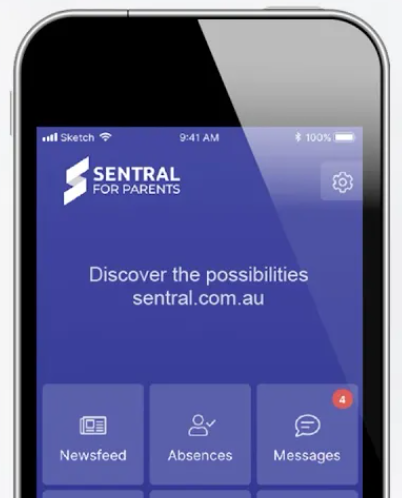
Sentral Parent Portal set up
- Sentral Parent Portal Access Form - new parents who have not set up Sentral access must download and complete the registration access form and give to the office.
- Sentral Parent Portal - create your account- Click to create your Sentral Parent Portal Account. (Note: families will need a parent portal key sent from the school to activate your portal, and to link your child to your account).
- How to set up Sentral Parent Portal - Watch the video instructions to learn how to set up your Sentral Parent Portal and App.
For student attendance matters, booking parent and teacher interviews and accessing academic reports.
Log-in to the Sentral portal or:
-
Download Sentral on Google Play
-
Download Sentral on the Apple Store
School Bytes set up and log in
For making payments, viewing financial records and giving parental consent for school events.
Log-in to the School Bytes portal or:
Click for How to Guides
- Download School Bytes on Google Play
- Download School Bytes on the Apple Store

Need help with our parent portal apps?
Our friendly office staff will be happy to give you a hand.
Community involvement
Discover ways to volunteer and help shape our school community.
Policies and reports
Discover our local school policies, reports and plans.